
Garage Door Repair
Genie Garage Door Opener Troubleshooting: Model Identification and Safe Checks
November 20, 2026 · Prime Garage Doors
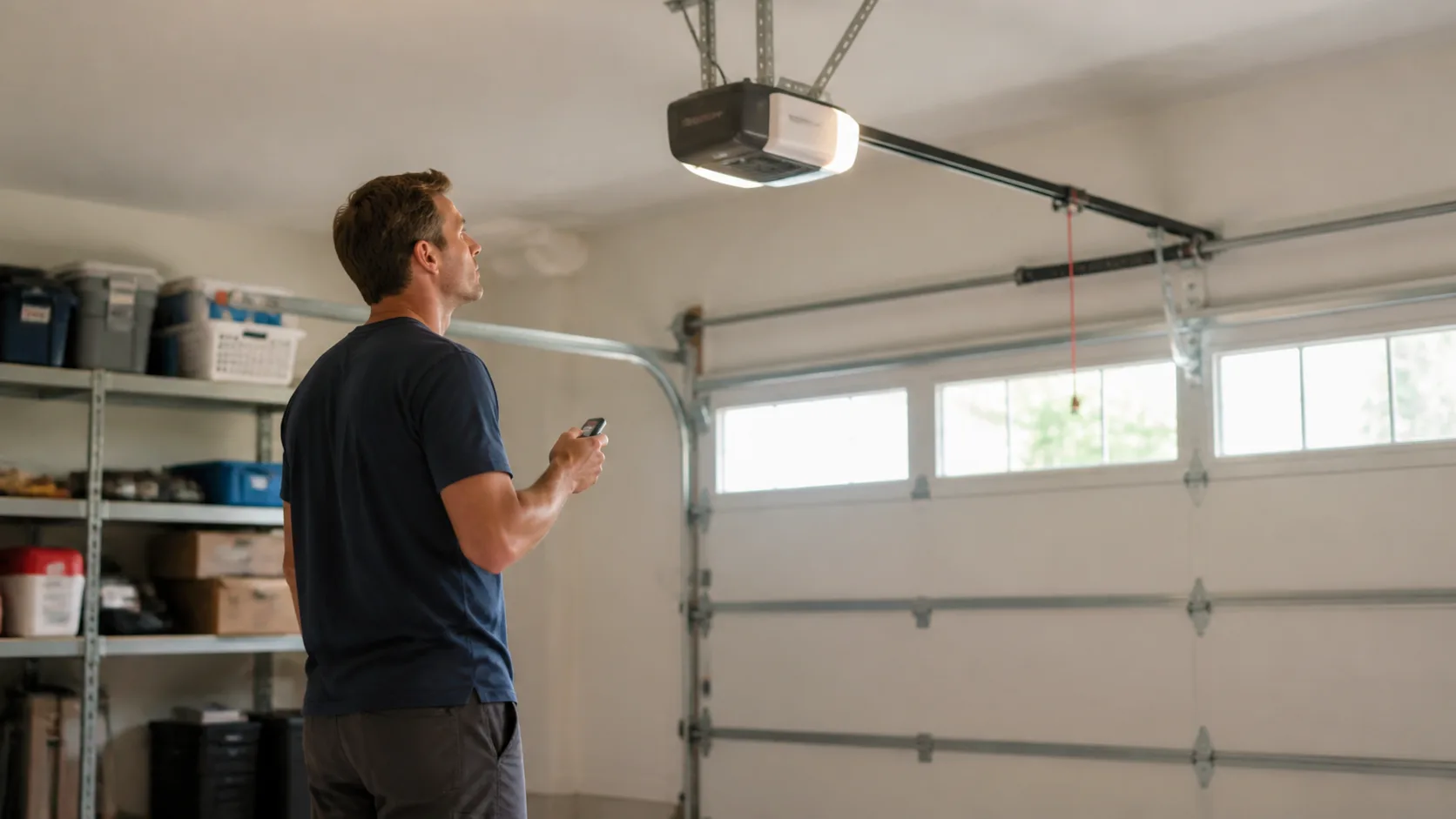
Need help with Genie garage door opener troubleshooting? Learn how to identify your exact model, safely check remotes, wall controls, and Safe-T-Beam sensors, and know when mechanical symptoms require a professional repair technician.
Effective genie garage door opener troubleshooting starts with identifying your drive style and reading the diagnostic LED lights on the power head. Common issues such as an unresponsive motor, a blinking red status indicator, or a door that starts closing and immediately reverses usually stem from needing routine light sensor repair or alignment, an engaged vacation lock on the wall console, or a worn drive carriage. Performing simple visual checks helps you identify whether the fault lies in the opener electronics or physical track binding without exposing yourself to mechanical hazards.
Identifying Your Genie Model and Drive Style
Genie produces several drive configurations across legacy and modern product lines. Determining your drive type helps narrow down mechanical symptoms quickly:
- Screw Drive Models (such as PowerMax, TriloG, or Excelerator): These units use a direct-drive threaded steel rod running inside the rail. If the motor runs but the carriage does not move, the internal drive teeth on the carriage assembly have likely worn down.
- Belt Drive Models (such as SilentMax or StealthDrive): Built with steel-reinforced rubber belts for quiet operation. If the motor hums without turning, inspect the belt tension bracket for physical binding or obstructions along the rail.
- Chain Drive Models (such as ReliaG or ChainGlide): Designed for heavy use with steel sprockets and drive chains. Routine visual checks should look for chain slack, metal debris, or sprocket tooth wear.
- Wall-Mount / Jackshaft Openers: Installed beside the door directly to the torsion tube. Motion stops on these models often relate to the cable tension monitor switch detecting loose cables.
You can verify your exact model number and serial details on the primary motor housing data plate, typically found behind the light lens cover or near the radio receiver antenna wire.
Reading Genie Diagnostic LED Signals
Modern Genie openers feature circular and rectangular diagnostic LEDs on the motor housing. These lights blink in distinct sequences to communicate operational faults and system status:
- Solid Green: The opener is in normal standby mode, receiving power with no detected faults.
- Blinking Red: Indicates that the Safe-T-Beam optical sensors are misaligned, obstructed by objects, or dealing with a broken or pinched wire.
- Alternating Red and Green: Signals that the motor has reached its internal thermal cutoff after consecutive cycles, or that the open and close travel limits need recalibration.
- Solid Red: Points to an internal control board failure, an optical cycle counter error, or a motor control fault that requires professional technical diagnostics.
Safe Homeowner Checks Before Calling a Professional
When working to fix garage door issues related to an unresponsive Genie opener, you can complete several safe checks without touching mechanical counterweights.
First, inspect the wall console. If the wall console indicator light blinks steadily, check whether the Sure-Lock vacation switch was activated. When locked, the system intentionally rejects radio signals from hand-held transmitters and wireless exterior keypads while keeping the interior console operable.
Next, examine the Safe-T-Beam photo eyes near the floor on both sides of the opening. The transmitting sensor displays a continuous red LED, while the receiving sensor shows a continuous green LED. If either LED is dark or flashing, gently wipe the optical lenses with a dry microfiber cloth and verify that the sensor brackets face each other directly. Winter temperature shifts, road salt mist, and vibrations can loosen mounting brackets over time.
Test remote control transmitters by replacing depleted coin-cell batteries. Sudden New England cold snaps reduce battery voltage rapidly, causing intermittent wireless performance. If several paired accessories stop responding at the exact same time, the radio receiver board on the power head may require testing.
Inspecting Door Travel and the Garage Door Track System
An opener only directs door motion; it does not bear the physical weight of the panels. If the garage door track system binds or hardware hangs up during movement, the Genie opener automatically halts or reverses as an integrated safety reaction.
Inspect the garage door track system for visible dents, bends, or loosened mounting fasteners along the vertical and horizontal sections. Ensure every roller stays properly seated within the track channels. For routine upkeep, apply a silicone or lithium-based garage door lubricant directly to moving roller bearings, metal hinges, and end-bearing plates. Never apply lubricants inside the channels of the garage door track system, as wet residue collects dust, grit, and winter salt, which causes the rollers to slide instead of turn.
Recognizing High-Tension Dangers
While clearing sensor pathways and setting remote batteries are straightforward homeowner tasks, structural door counterweights present severe risks. If your Genie motor hums, strains, or opens the door only a few inches before stopping, the underlying cause is typically a broken torsion spring, an unspooled lift cable, or severely binding rollers rather than an opener defect.
The U.S. Consumer Product Safety Commission (CPSC) warns that garage door counterweight assemblies are wound under extreme tension, and attempting to loosen, balance, or adjust springs, bottom brackets, and lift cables without proper training and tools can cause severe injury. If you observe a gap in the overhead spring coil, loose cables dangling near the door jambs, or crooked panels, stop operating the opener immediately.
When physical door components fail, experienced professionals can safely resolve the problem. Whether you need reliable garage door repair boston homeowners depend on for older architecture, rapid garage door repair framingham ma services for modern properties, or regional assistance such as saratoga springs garage door repair, professional technicians provide clear evaluations and straight answers before any work starts.
Summary
Systematic Genie garage door opener troubleshooting requires identifying your drive mechanism, reading diagnostic LED codes on the motor head, and ruling out minor obstructions before assessing the physical door structure.
- Identify whether your opener uses a screw, belt, chain, or wall-mount drive to isolate mechanical symptoms.
- Consult the power head diagnostic LEDs to identify sensor misalignments or thermal limits.
- Check the wall console Sure-Lock switch and test remote transmitter batteries.
- Inspect the garage door track system for debris, and lubricate only moving roller bearings and hinges—never the track channels.
- Discontinue use immediately if you detect broken springs, loose cables, or an unbalanced door.
If your opener continues to blink error codes or your door will not lift smoothly, let our experienced professionals handle the heavy lifting safely. Call Now or Request a Free Estimate from Prime Garage Doors to restore reliable, quiet operation to your home.
Frequently asked
- Why is the red light blinking on my Genie garage door opener?
- A blinking red diagnostic light on a Genie opener power head typically indicates that the Safe-T-Beam safety sensors are obstructed, dirty, or out of alignment. Inspect both photo eye units near the floor to ensure the sending sensor displays a solid red light and the receiving sensor displays a solid green light. If cleaning the lenses and adjusting the brackets does not clear the flashing signal, the low-voltage sensor wiring may be damaged or loose.
- What causes a Genie opener motor to run without moving the garage door?
- If the motor hums or spins while the door remains stationary, the emergency disconnect cord may have been pulled, unlatching the carriage from the drive system. On screw drive models, this symptom often points to a worn or stripped carriage drive tooth that can no longer catch the rotating threaded steel rod. If re-engaging the carriage does not restore movement, the drive assembly or counterbalance system requires evaluation by an experienced technician.
- Why do my Genie remotes stop working even though the wall console functions normally?
- This issue often occurs when the "Sure-Lock" vacation switch on your wall console has been accidentally engaged, which locks out all external radio signals from hand-held remotes and wireless keypads. Check your wall station and toggle the vacation switch off to see if wireless control returns. If the remotes remain unresponsive, replace the transmitter coin-cell batteries or reprogram the remote frequency to the power head.
- Should I apply lubricant to the inside of the garage door track system?
- No, you should never apply grease, oil, or spray lubricants inside the channels of the garage door track system. Wet lubricant inside the channels gathers dirt, dust, and debris, causing the rollers to slide and flatten rather than spin properly. Instead, wipe the tracks clean with a dry cloth and apply a garage-door-rated silicone spray only to the moving roller bearings and metal hinges.
- When is it unsafe to continue troubleshooting a Genie garage door opener?
- You should stop operating the opener immediately if you observe a split overhead spring, slack or frayed cables, or a door hanging crookedly off its tracks. These counterbalance components operate under extreme mechanical tension and pose serious hazards if handled without specialized equipment. In these situations, disconnect power to the motor and contact experienced professionals to inspect and resolve the issue safely.