
Garage Door Repair
How-to guideGarage Door Keypad Not Working? What to Check Before Resetting It
November 26, 2026 · Prime Garage Doors
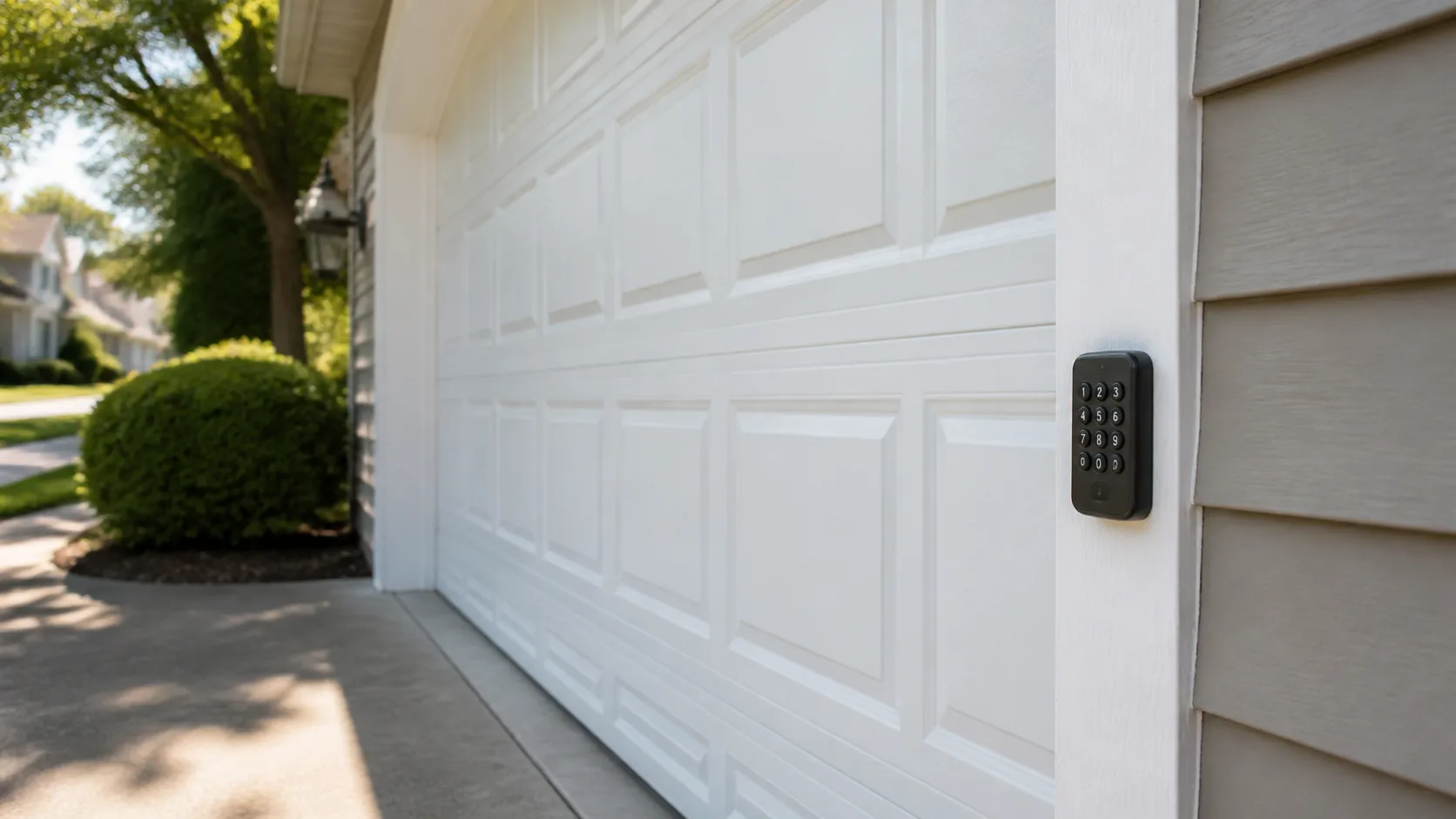
Garage door keypad not working? Learn how to compare wall controls, remotes, and wireless keypads, check batteries and access codes safely, and know when to reprogram or call a technician.
When you discover your garage door keypad not working, the issue is most often caused by a drained battery, surface interference on the keypad contacts, or an accidental lock-mode activation on your interior wall console. Resetting the keypad memory should always be your last resort, as wiping the unit forces you to reprogram every remote and accessory connected to your opener logic board. Systematically checking power supply, lock settings, and antenna range first will resolve the majority of keypad failures without losing your stored access codes.
Why Exterior Garage Door Keypads Fail and Lose Connection
An exterior wireless keyless entry pad serves as an outdoor radio transmitter that sends an encrypted radio frequency signal to your garage door opener logic board. Because the keypad sits outside your garage door frame, it faces extreme exposure to New England weather throughout the year. Freezing winter cold snaps rapidly sap battery chemical potential, summer humidity oxidizes wire contacts, and driving rain can seep past deteriorated rubber gaskets. These external factors often make a functional keypad act unresponsive even when the mechanical components of your door remain in prime condition.
Beyond environmental strain, modern garage door openers use rolling-code security systems. Every time you enter your four-digit PIN and press the enter button, the keypad and the opener motor exchange a synchronized cryptographic algorithm. When radio frequency interference interrupts this handoff—often caused by home security systems, nearby LED light bulbs inside the motor housing, or metal mesh shielding—the opener fails to register the command. In other instances, homeowners who discover their garage door won't open and attempt to troubleshoot what seems to be an electrical issue may actually need to fix garage door mechanical resistance that causes the motor to reject new travel commands for safety reasons.
Internal hardware wear is another frequent source of failure. Keyless entry pads rely on conductive silicone membranes beneath the numbered buttons. Over years of regular entry, commonly used digits wear down, losing their ability to bridge the internal circuit board. Before assuming the entire keypad system has suffered a catastrophic logic board failure, understanding the difference between power starvation, signal disruption, and actual radio failure will save substantial time and prevent unnecessary resets.
Signs of Keypad Failure and Preliminary Safety Checks
Before touching any programming buttons or dismounting your outdoor keypad, evaluate how the other access devices in your home are performing. Isolating whether the malfunction is localized to the outdoor keypad or affects the broader motor assembly prevents misdiagnosis. Keep in mind that when performing broader maintenance around the garage door track system, high-tension components such as torsion springs, bottom brackets, and lift cables carry extreme stored energy. In accordance with safety standards outlined by the U.S. Consumer Product Safety Commission (CPSC) regarding overhead door hardware hazards, never touch, loosen, or attempt to adjust high-tension springs or counterbalance cables during electrical troubleshooting.
Gather a standard screwdriver, a fresh commercial-grade nine-volt or AA alkaline battery (depending on your keypad specifications), and a soft dry microfiber cloth. Inspect the following preliminary symptoms:
- Wall console status: Check if your indoor wall control panel has a flashing green or amber light, which indicates that Vacation Mode or Lock Mode is currently active and blocking all exterior radio signals.
- Remote control responsiveness: Test your visor remotes from inside your driveway to verify whether the motorized overhead unit is accepting wireless signals from other transmitters.
- Keypad backlighting: Look closely at the numbers when pressing them in low light; dim, flickering, or absent backlighting points directly toward battery exhaustion or corrosion on the battery terminals.
- Button tactile response: Note whether specific numbers stick inside the casing, feel mushy, or fail to click, which indicates physical membrane degradation rather than a programming bug.
- Physical casing integrity: Inspect the flip cover and casing seams for cracked plastic, moisture intrusion, or insect nesting behind the mounting screws.
How to Troubleshoot a Wireless Garage Door Keypad Step by Step
Work through these troubleshooting steps sequentially before pressing any learn buttons on your opener motor. Performing these checks preserves your opener settings and restores reliable operation in most scenarios.
Check the Interior Wall Control Vacation Lock
Examine the main control console mounted inside your garage near the entryway door. Most modern consoles feature a dedicated lock button intended to secure the home while residents are away. When this feature is accidentally engaged—often bumped by a shoulder or pressed during cleaning—the opener disconnects its internal radio frequency receiver. The door will still operate from the hardwired wall console, but every exterior remote and wireless keypad will be blocked completely. Press and hold the lock button for several seconds until the indicator light stops blinking and remains steady, then test your keypad code again outside.
Install a Fresh High-Quality Alkaline Battery
Remove the lower battery compartment cover on the outdoor keypad, usually secured by a slide-tab or a small Phillips-head screw. Take out the existing battery and inspect the wire clip and metal terminals for white or greenish powdery corrosion caused by humidity. Clean dirty contact points with a dry cotton swab, then insert a brand-new, non-rechargeable name-brand alkaline battery. Avoid heavy-duty carbon-zinc batteries, as they lack the peak voltage required to operate wireless radio transmitters in freezing temperatures. Even if the keypad backlights appear to glow faintly, an aged battery often lacks sufficient voltage to transmit a strong radio pulse across the driveway.
Clean the Keypad Membrane and Inspect the Keys
Take a soft, dry brush or microfiber cloth to clean accumulated dust, road salt residue, and grit out of the crevices surrounding the individual keys. If particular numbers—especially the digits belonging to your primary PIN—remain depressed or feel gummy, the internal silicone membrane may be failing to break contact between keystrokes. Gently wiggle each button to confirm it returns fully to its resting position. A single stuck button prevents the internal circuit board from registering subsequent keystrokes, rendering your entire four-digit combination invalid to the receiver.
Check for Radio Frequency and LED Interference
Radio frequency interference can drown out the signal between your keypad and the overhead motor head. Screw-in LED light bulbs placed inside the garage door opener motor housing frequently emit electromagnetic noise that jams standard radio bands while illuminated. If you recently replaced your garage lighting with standard residential LEDs, temporarily unscrew them from the opener unit. Additionally, step close to the motor with your keypad if it is dismounted, or ensure the thin antenna wire hanging down from the motor chassis is dangling freely rather than wrapped around structural framing or electrical conduit.
Reprogram the Existing PIN Without Clearing Memory
If the hardware, battery, and lock checks confirm normal condition but the door still ignores your code, reprogram the existing PIN without clearing the master memory on the opener. Consult your manufacturer guide to locate the learn button on the motor casing—typically square or round and colored yellow, purple, red, or green. Press and immediately release the learn button once; do not hold it down, as holding the button wipes all stored remotes. Walk directly to the outdoor keypad, key in your desired four-digit PIN, and press the enter button firmly until the opener work lights flash or click. This re-syncs the specific transmitter without disturbing any other car remotes.
After the Job: Keypad Maintenance and Weather Protection
Once your keypad is communicating reliably with your opener, establish a quick seasonal maintenance routine to prevent surprise lockouts. New England seasonal swings introduce severe moisture and freezing cycles that degrade outdoor electronics rapidly. Inspect the rubber protective cover each fall to ensure the hinge snaps closed securely against rain and blowing snow. Applying a thin bead of exterior silicone sealant along the top and side borders where the plastic backing meets your garage door trim prevents water runoff from penetrating behind the mounting screws, leaving the bottom edge open so any condensation can drain.
In addition to electrical care, keep the surrounding mechanical hardware working effortlessly. When an opener detects excessive resistance from dry hinges or binding rollers, its safety sensors and force settings may refuse commands from wireless keypads and remotes. Maintain moving mechanical bearings, steel rollers, and door hinges with a dedicated silicone or lithium garage door lubricant twice per year. As detailed in our guide to garage door track maintenance, never apply grease or lubricant inside the garage door track system channels, as oil collects grit, congeals in cold snaps, and creates dragging friction that strains your motor drive gear.
When to Replace the Keypad or Call a Garage Door Professional
If new batteries, clean contacts, and targeted PIN synchronization fail to restore communication, the internal microchip or radio transmitter may be burnt out. Wireless keypads are consumable electronics that eventually succumb to years of direct sun exposure, deep freezes, and water intrusion. When individual numbered buttons lose conductivity permanently or the housing cracks beyond repair, replacing the unit with a modern, manufacturer-matched wireless keypad is the most practical and cost-effective remedy.
However, if your keypad fails alongside irregular motor behavior—such as humming without mechanical movement, flashing error codes on the power head, or the door reversing unexpectedly—the root cause lies within the opener hardware or counterbalance balance. For homeowners experiencing complex opener motor failures or mechanical breakdowns in surrounding regions, scheduling prompt service with technicians skilled in garage door repair framingham ma or dispatching a team for garage door repair boston ensures the system is evaluated safely. If you operate an investment or vacation property out of state requiring remote diagnostics, partnering with specialists in saratoga springs garage door repair provides the same high level of mechanical and electrical support.
Experienced professionals carry commercial-grade diagnostic equipment to measure receiver frequencies, test motor logic boards, and identify hidden electrical shorts. When dealing with erratic door operation, broken springs, off-track hardware, or logic board failures, avoid risks and contact our team to Request a Free Estimate.
Key Takeaways for Troubleshooting a Garage Door Keypad
Diagnosing an unresponsive keyless entry pad comes down to isolating electrical power, wall console lock settings, and radio transmission pathways before making the mistake of resetting the opener memory.
- Verify your indoor wall console has not been set to Lock or Vacation Mode, which silences all outdoor radio remotes.
- Replace old batteries with a fresh, high-output alkaline battery, ensuring the internal terminal clips are clean and free of corrosion.
- Inspect the keypad face for stuck numbers, worn conductive membranes, or physical water damage.
- Eliminate radio interference by checking nearby LED light bulbs in the motor head and ensuring the antenna wire hangs freely.
- Avoid clearing master opener memory when simple PIN resynchronization can link your keypad without erasing your remotes.
Prime Garage Doors provides experienced professionals, 24/7 phone support, and same-day service availability across Greater Boston. If your garage door keypad continues to malfunction or your overhead opener requires professional diagnostics, schedule garage door opener repair with our technicians today; Call Now or Request a Free Estimate to restore reliable, secure access to your home.
Frequently asked
- Why is my garage door keypad not working even with a new battery?
- If the battery is fresh, check your interior wall console to ensure Vacation or Lock Mode was not accidentally activated. Radio frequency interference from nearby LED light bulbs inside the motor housing or worn conductive contacts beneath the keys can also block communication. If the buttons light up but the door fails to respond, the keypad may need to be resynchronized to the motor using the learn button.
- How do I know if my garage door opener is locked or in vacation mode?
- Look at the main hardwired control console mounted inside your garage for a flashing green or amber indicator light. When Lock Mode is active, the opener deliberately blocks all incoming radio frequencies, disabling exterior keypads and vehicle remotes while still working from the wall button. Press and hold the lock button on the console for several seconds until the indicator light stops blinking and turns steady.
- Will reprogramming my garage door keypad erase my car remotes?
- Reprogramming an outdoor keypad does not erase your remotes as long as you do not hold down the opener learn button. Pressing and immediately releasing the learn button allows you to add or update an individual accessory PIN without clearing existing devices. Holding the learn button down for several seconds wipes the entire receiver memory, which forces you to pair every remote in your household again.
- Why do certain numbers on my garage door keypad stop responding?
- Garage door keypads use flexible silicone membranes with conductive pads underneath that break down over years of repeated entry. Dirt, moisture, and road salt can also slip behind frequently pressed digits and prevent them from springing back to their resting position. If a single button remains stuck or fails to bridge the internal circuit board, the entire PIN code cannot be transmitted.
- Can freezing winter weather cause an outdoor keypad to fail?
- Yes, extreme cold snaps quickly drain battery chemical potential, leaving the unit with insufficient voltage to transmit a radio signal to the motor. Freezing temperatures can also stiffen aging rubber membranes or freeze moisture trapped behind unsealed keypad casings. Installing a high-quality alkaline battery and keeping the flip lid closed protects the electronics during harsh winter conditions.