Garage Door Repair
myQ Not Working? How to Separate App, Wi-Fi, and Opener Problems
November 20, 2026 · Prime Garage Doors
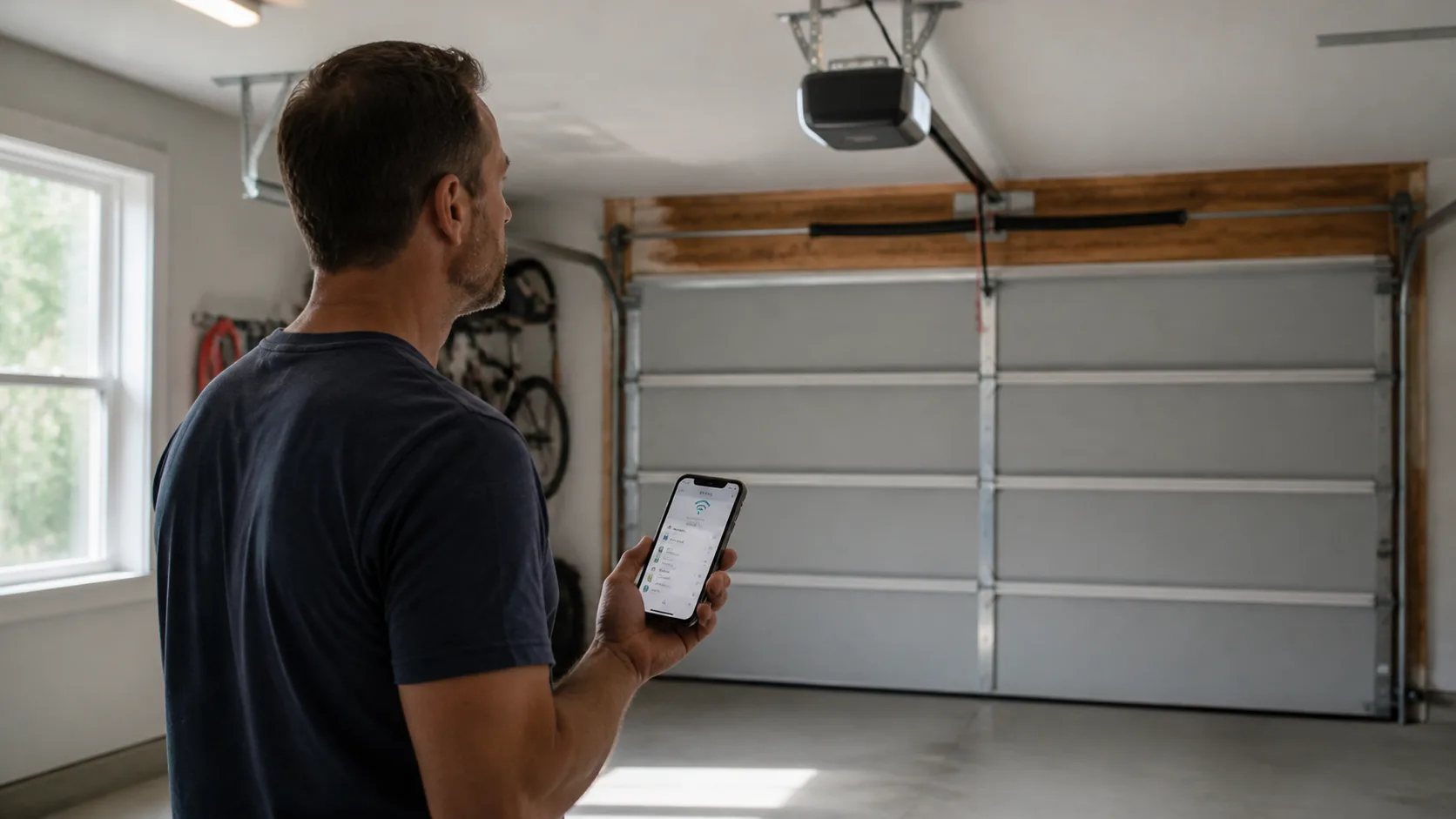
Is your myQ not working? Follow this step-by-step myQ garage door opener troubleshooting guide to separate app glitches and Wi-Fi drops from mechanical opener problems—without accidentally wiping your programmed remotes.
When you find your myQ not working, the failure almost always originates in one of three places: the mobile app and cloud servers, your local Wi-Fi network, or the physical garage door opener hardware. Isolating the root cause quickly saves time and prevents unnecessary equipment resets. You can diagnose the problem methodically by verifying server status, reading the Wi-Fi diagnostic LED on the opener motor, and testing physical controls.
Step 1: Check the myQ App and Cloud Service
Before adjusting your router or touching any hardware, confirm whether the issue lies within your smartphone or the myQ cloud infrastructure.
- Server Disruptions: Smart door systems depend on continuous cloud communication. If central servers undergo maintenance or an outage, the app may display "Device Offline" or spin continuously, even when your home network and opener are fully operational. Check status pages or service notices before changing home settings.
- Application Updates: An outdated app version can fail modern security handshakes. Verify in your device app store that you are running the latest version of the myQ application.
- Cache and Permissions: Operating system updates often reset Bluetooth or local network permissions. Restarting your phone or clearing the app cache resolves many basic connectivity errors.
- Account Re-Authentication: Sign out of your profile, restart the app, and sign back in. If multiple household members use shared access, ensure account permissions remain active.
Step 2: Diagnose the Wi-Fi Connection
If the app opens properly but reports your opener as offline, the wireless bridge between your router and the garage opener motor has dropped. Modern smart openers feature an indicator LED near the learn button that signals connection status:
- Flashing Blue: The opener is in Wi-Fi learn mode and waiting for setup instructions from your mobile device.
- Flashing Green: The opener is actively attempting to reach your home router. If it remains flashing green, check for a changed Wi-Fi password or weak signal strength in the garage.
- Solid Green: The opener has an active, stable link to both your local router and the cloud service. If the light is solid green but the door does not respond to digital commands, the breakdown is mechanical or hardware-related.
- Flashing Yellow or Orange: The opener is connected to the router but cannot access the internet, pointing to a firewall setting, DNS block, or service provider outage.
Smart openers operate on a 2.4 GHz wireless frequency. Modern dual-band and mesh network systems that blend 2.4 GHz and 5 GHz signals under a single network name can cause the opener to lose connection. Setting up a dedicated 2.4 GHz guest network or adding a range extender helps maintain a steady signal through dense garage firewalls and foil-faced insulation.
Step 3: Test Opener Hardware and Safety Systems
When software and network links check out, the opener's internal logic or safety circuits may be blocking operation.
Inspect the Safety Reversing Sensors
Smart garage door openers will not close remotely if the photoelectric safety eyes near the floor are blocked, misaligned, or dirty. When these sensors detect an obstruction or lose alignment, the overhead opener lights typically flash and the app displays an error alert. Wipe the sensor lenses with a clean microfiber cloth and ensure the indicator LEDs on both units glow steadily.
Check the Wall Console Lock Switch
Multi-function wall consoles include a vacation lock button that disables all radio frequency and remote signal inputs. When the lock feature is active, wall buttons still operate the door, but mobile commands and remotes are blocked. Check your wall station to confirm the lock feature is turned off and its indicator light is not blinking.
Verify Travel Limits and Track Alignment
Smart openers electronically track motor travel. When sudden seasonal temperature shifts cause metal parts to contract, friction can increase along the garage door track system. If the opener senses unexpected resistance, it stops or reverses as a safety precaution. When internal limit settings fail or internal logic becomes unresponsive, as seen during persistent LiftMaster 98022 problems, the motor logic board requires professional recalibration.
Mechanical Issues That Mimic Smart Opener Failures
A smart app only sends an electrical command to the motor; it cannot overcome a physical door jam. Garage doors rely on a balanced counterbalance system. If a torsion spring breaks, a cable slips off its drum, or a roller binds inside the track, the smart motor immediately detects the extreme drag and shuts down to protect its internal drive gears.
Never attempt to force a jammed door open using the automated motor. Garage door counterbalance springs, bottom brackets, and lift cables remain under extreme tension capable of causing severe injury. According to safety advisories from the U.S. Consumer Product Safety Commission, high-tension garage door components must only be serviced, adjusted, or replaced by qualified technicians using proper winding tools. When performing routine maintenance, only moving bearings, rollers, and hinges get lubricated—never lubricate the inside of the track channels, as grease attracts debris and causes rollers to slide rather than turn.
When to Seek Professional Opener Repair
While clearing sensor pathways and reconnecting Wi-Fi are straightforward homeowner tasks, internal logic board failures, worn drive sprockets, and bent steel rails require professional diagnostics and garage door opener repair. Experienced technicians check motor draw, evaluate safety reversal limits, and inspect the counterbalance system to verify that the motor is not overworking.
If you need to fix garage door problems related to damaged hardware or seasonal track misalignment, experienced professionals ensure every component operates smoothly and reliably. Homeowners in Massachusetts can arrange prompt garage door repair Boston or schedule regional service like garage door repair Framingham MA. For homeowners in eastern New York experiencing motorized access issues, specialized teams also deliver dependable Saratoga Springs garage door repair to get smart opening systems running again.
Summary of myQ Troubleshooting
Resolving connectivity and operational failures in your myQ system requires a clear separation between cloud services, Wi-Fi networks, and mechanical hardware.
- Verify myQ server status and update your mobile application before altering home network settings.
- Use the motor head LED indicator to determine if the opener has lost connection to the local router or the internet.
- Clean and align the lower safety reversing eyes to ensure remote closing commands are not blocked.
- Confirm the manual lock button on the interior wall console has not disabled remote access.
- Leave high-tension counterbalance springs, cables, and structural track adjustments to trained professionals.
If your smart garage door opener still refuses to connect or cannot move the door smoothly, contact Prime Garage Doors. Our experienced professionals provide same-day service available across Greater Boston with free estimates on every job. Call Now at (844) 321-0914 or Request a Free Estimate to restore safe, dependable access to your garage.
Frequently asked
- Why does my myQ app show that my garage door opener is offline?
- An offline status typically indicates that your opener has lost its wireless connection to your home router or the remote cloud servers. Check the LED diagnostic light on your opener motor to see if it is attempting to reconnect to your local network. Power-cycling your internet router or ensuring your Wi-Fi network broadcasts an active 2.4 GHz band usually restores communication.
- What do the different Wi-Fi indicator lights mean on a myQ garage door opener?
- A flashing blue light indicates the opener is in Wi-Fi setup mode and ready to pair with your phone, while a flashing green light means it is trying to connect to your local router. A solid green light confirms an active, healthy link to both your network and cloud services. If the indicator flashes yellow or orange, the unit is connected to the router but cannot access the internet.
- Why will my garage door open through the myQ app but refuse to close?
- When an opener opens reliably but will not close remotely, the photoelectric safety sensors near the floor are usually dirty, misaligned, or obstructed. Modern safety systems prevent unattended remote closing whenever the invisible infrared beam is interrupted. Once the sensor lenses are cleaned and aligned so their indicator lights remain steady, app-controlled closing should resume.
- Can physical garage door issues cause myQ error alerts?
- Yes, smart garage door openers actively monitor travel limits and motor resistance, automatically shutting down if physical movement is restricted. Issues like broken counterbalance springs, bound rollers, or misaligned rails in the garage door track system create severe drag that mimics an electronic failure. Because these counterbalance parts store dangerous mechanical tension, any physical obstruction or spring issue requires attention from experienced professionals.
- Why does my physical wall button operate the door, but the myQ app does not?
- This problem usually occurs because the vacation or "Lock" feature on your multi-function wall console has been turned on. When locked, the opener disables all incoming wireless signals, including handheld remotes and smart network commands, while keeping the hardwired wall button active. Check your wall station and press the lock button until the indicator light stops blinking to restore mobile app control.